Held to Ransom: The Story of Romantic Gestures Ltd
Why you must hold the keys to your own website—and what happens when you don't.
Let’s get one thing straight: You can outsource your web design, but you should never outsource the ownership of your digital assets.
In 2016, Natasha and Russell, the founders of local business Romantic Gestures Ltd, found this out the hard way. They weren't just business owners; due to a poor contracting decision, they essentially became locked out of their own business.
This isn't a fairytale. This is a real-world lesson about the intersection of trust, unfair business practices, and the absolute necessity of owning your own assets.
The Illusion of Safety
Like many founders, Natasha and Russell trusted a technical expert to handle the things they didn't understand. They handed the keys to a web developer, assuming that paying the invoices meant they owned the website. It didn’t.
When you don't know the right questions to ask, it’s easy to suffer from "Authority Bias"—trusting a vendor simply because they sound like they know what they're doing. Unfortunately, the developer had registered Natasha and Russell's domain name (their website URL) under the developer's own personal name. Legally, the couple were strangers to their own website address.
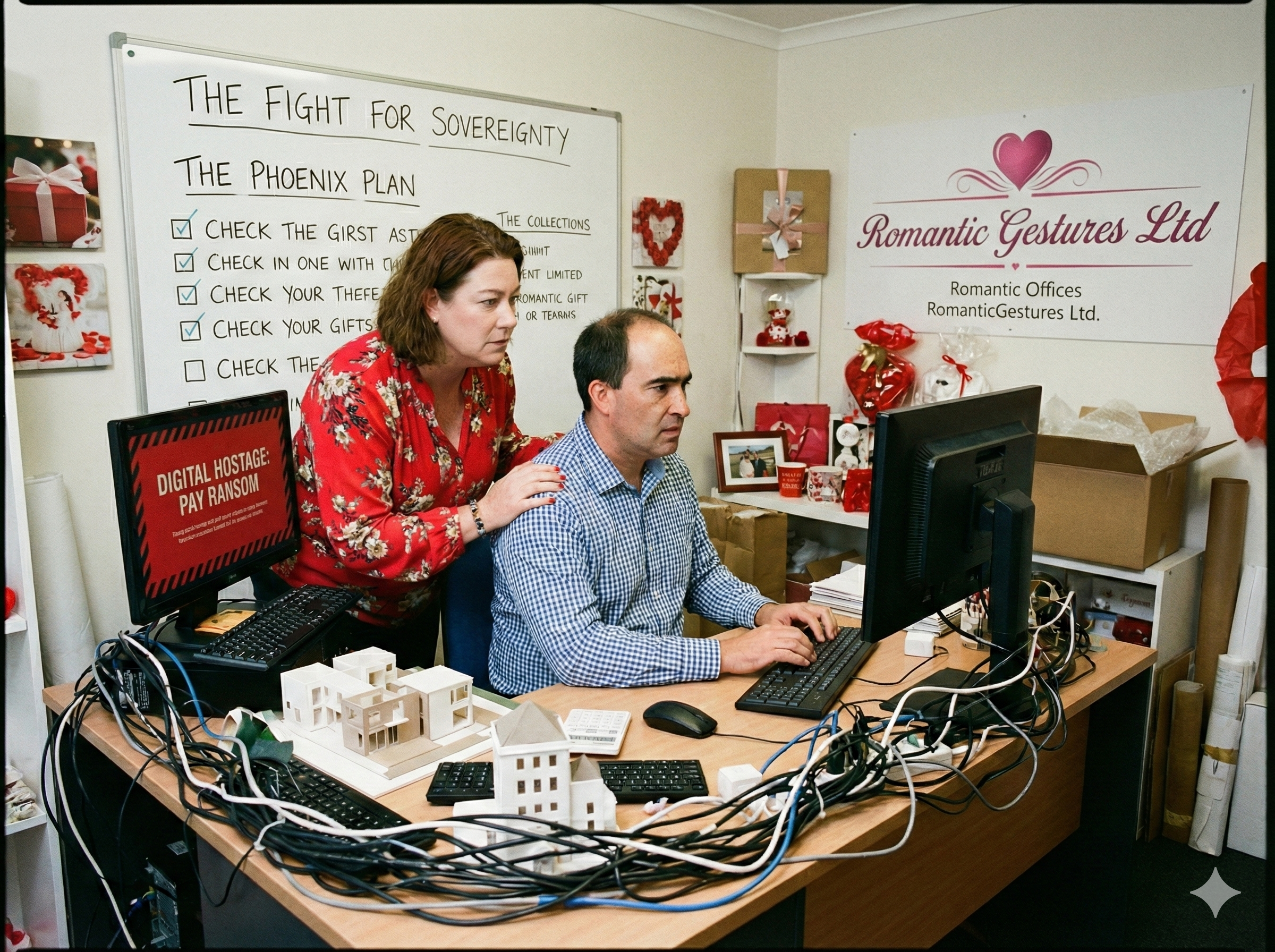
The Ransom Demand
When Natasha and Russell tried to move their website to a more supportive service provider, the trap snapped shut. They requested their UDAI (Unique Domain Authentication ID)—the digital key needed to transfer a web address to a new host.
The developer refused. Instead, they issued an ultimatum: Pay $2,000 within 7 days, or the entire website gets deleted.
The stakes were incredibly high. Without their website, their business would grind to a halt.
The Choice
They faced a horrible dilemma that many small businesses encounter when dealing with predatory vendors:
- Give in: Pay the unfair ransom, lose their capital, and reinforce the developer's bad behavior.
- Walk away: Lose their entire digital presence and rebuild from scratch.
They chose the hard path. They chose to retain their independence and refused to pay the ransom.
Why Small Businesses Are Vulnerable
This case highlights a massive gap in the small business environment. There are no "website police" to call in these situations. Bad actors know that taking them to court will cost you far more in legal fees than the ransom itself. They rely on you feeling trapped.
This is why you must protect yourself before a crisis hits. Are you currently renting your website, or do you own it? If you don't know the answer, booking a Startup Consultation can help you audit your vendor contracts before you sign anything.
- Rocketspark: Excellent local support and easy builder.
- 1st Domains: Great for registering your name for the first time.
- MyHost: Reliable, fast local hosting.
- Google Domains: Perfect if you are using Google Workspace.
- Shopify: The gold standard if you are selling products online.
- Wix: User-friendly for basic service businesses.
- Custom HTML: Fast, secure, and entirely owned by you (No ongoing CMS fees).
How to Protect Your Digital Assets
Thankfully, with the help of a trusted advisor (J Thompson), Natasha and Russell quickly found reliable hosting. However, they still had to become accidental web developers overnight, spending three stressful weeks rebuilding their entire site from scratch. Today, their new site generates over $4,000 worth of organic traffic value per month—but the stress of that initial rebuild was immense.
You can avoid that pain. Here is how to protect your business:
1. The Three Keys to Ownership
You must personally set up, own, and control these three accounts. Do not let a developer register them under their own email address:
- The Registrar: Where you buy your domain name.
- The Host: Where your website files live on the internet.
- The CMS: Your main admin login to edit the website.
2. The Emergency Access Plan
If your web developer disappears, retires, or goes out of business, can you still access your site? You need a secure document containing all master passwords that you control completely.
3. Keeping Your SEO Safe
When Natasha and Russell were forced to rebuild, they risked losing all their Google search rankings. Migrating a site without a plan is a disaster for your visibility.
- Map your URLs: Ensure your new web pages match the exact addresses of the old ones so links don't break.
- Run an Audit: Before going live with a new site, run an SEO Audit to ensure you aren't accidentally blocking Google from reading your new pages.

Taking Back Control
Natasha and Russell had seven days before their site was deleted. Despite the incredible stress, they didn't beg. They outworked the scam.
The vendor’s threat was ultimately a bluff designed to trigger fear. Once the couple removed their reliance on that developer's assets, the predator lost all their power.
If you are being held hostage by a bad contract, or if you are just afraid to launch because you "don't understand the tech," look at this couple. They figured it out because they had to. You can too.
🛑 Your Website Ownership Checklist
- Whois Lookup: Go to a free "Whois" lookup tool online and type in your URL. Is your name listed as the Registrant?
- Backup Check: Do you have a downloaded copy of your website files on a hard drive you own?
- Contract Review: Does your developer contract explicitly state that you own the intellectual property and code upon final payment?
- Access Test: Log into your domain registrar. If you have to ask someone else for the password to get in, you are vulnerable.
Take control of your business assets today.
Protect Your Business
Don't be a victim of bad tech contracts. Book a consultation to audit your vendor agreements and secure your digital assets.
Book a Consultation