
You can outsource your web design, but you should never outsource the ownership of your digital assets.
In 2016, Natasha and Russell, the founders of local business Romantic Gestures Ltd, found this out the hard way. Due to a poor contracting decision, they found themselves completely locked out of their own website.
This is a real-world lesson about the importance of understanding contracts, knowing what questions to ask vendors, and the absolute necessity of owning your own assets.
The Illusion of Safety
Like many founders, Natasha and Russell trusted a technical expert to handle the things they didn't fully understand. They hired a web developer, assuming that paying the invoices meant they owned the website. Unfortunately, it didn't.
When you don't know the right questions to ask, it’s easy to assume your vendor is taking care of everything correctly. In this case, the developer had registered Natasha and Russell's domain name (their website URL) under the developer's own personal name. Legally, the couple had no rights to their own website address.
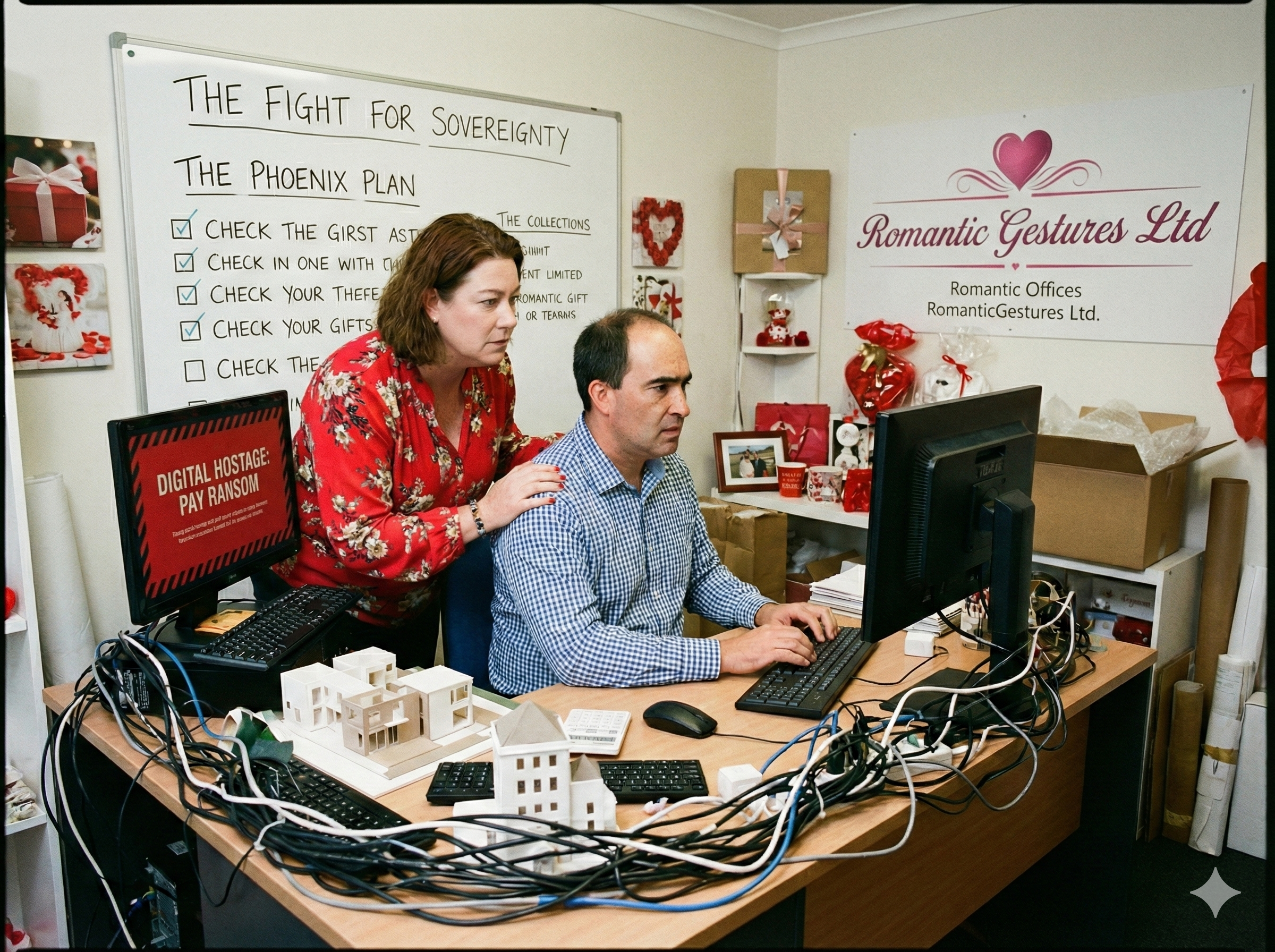
The Unexpected Demand
When Natasha and Russell decided to move their website to a more supportive service provider, they encountered a major roadblock. They requested their UDAI (Unique Domain Authentication ID)—the digital key needed to transfer a web address to a new host.
The developer refused to provide it. Instead, they issued an unexpected demand: Pay an additional $2,000 within 7 days, or the entire website would be taken offline.
The stakes were incredibly high. Without their website, their ability to reach customers would grind to a halt.
The Difficult Choice
They faced a stressful dilemma that many small businesses encounter when dealing with difficult vendors:
- Pay the fee: Give in to the unfair demand, lose their capital, and reward the poor behavior.
- Walk away: Lose their entire digital presence, forfeit the money already spent, and rebuild from scratch.
They chose the harder path. They chose to retain their independence and refused to pay the unreasonable fee.
Why Small Businesses Are Vulnerable
This case highlights a common gap for new founders. When disputes arise over digital assets, pursuing legal action often costs far more than the requested fee, leaving small businesses feeling trapped.
This is why you must protect yourself before a crisis hits. Do you know if you are currently renting your website, or if you actually own it? If you aren't sure, booking a Startup Consultation can help you audit your vendor contracts before you sign anything.
- Rocketspark: Excellent local support and an easy-to-use builder.
- 1st Domains: Great for registering your name for the first time securely.
- MyHost: Reliable, fast local hosting.
- Shopify: The gold standard if you are selling physical products online.
- Wix: Very user-friendly for basic service-based businesses.
- Custom HTML: Fast, secure, and entirely owned by you (with no ongoing CMS fees).
How to Protect Your Digital Assets
Thankfully, with the help of a trusted advisor, Natasha and Russell quickly found reliable hosting. However, they still had to spend three stressful weeks rebuilding their entire site from scratch. Today, their new site performs incredibly well—but the stress of that initial rebuild was immense.
You can avoid that pain. Here is how to protect your business:
1. The Three Keys to Ownership
You must personally set up, own, and control these three accounts. Do not let a developer register them under their own email address:
- The Registrar: Where you purchase your domain name (e.g., 1st Domains).
- The Host: Where your website files actually live on the internet.
- The CMS: Your main administrative login to edit the website content.
2. The Emergency Access Plan
If your web developer disappears, retires, or goes out of business, can you still access your site? You need a secure, physical document containing all master passwords that you control completely.
3. Keeping Your SEO Safe
When Natasha and Russell were forced to rebuild, they risked losing all their Google search rankings. Migrating a site without a plan can severely impact your visibility.
- Map your URLs: Ensure your new web pages match the exact addresses of the old ones so existing links don't break.
- Run an Audit: Before going live with a new site, run an SEO Audit to ensure you aren't accidentally blocking Google from reading your new pages.

Taking Back Control
Natasha and Russell had seven days before their site was deleted. Despite the incredible stress, they put their heads down and outworked the situation.
The vendor's threat lost all its power the moment the couple removed their reliance on those specific digital assets.
If you are struggling with a difficult vendor, or if you are just afraid to launch because you "don't understand the tech," look at this couple. They figured it out because they had to. You can too.
Your Website Ownership Checklist
- Whois Lookup: Go to a free "Whois" lookup tool online and type in your URL. Is your name listed as the Registrant?
- Backup Check: Do you have a downloaded copy of your website files saved on a hard drive you own?
- Contract Review: Does your developer contract explicitly state that you own the intellectual property and code upon final payment?
- Access Test: Log into your domain registrar. If you have to ask someone else for the password to get in, you are vulnerable.
Take control of your business assets today.
Protect Your Business
Don't be a victim of confusing tech contracts. Book a consultation to audit your vendor agreements and secure your digital assets.
Book a Consultation