
Starting a business in New Zealand requires a massive amount of energy.
It involves late nights, careful planning, and pouring everything into building a livelihood for yourself and your family. But to make your business visible, you eventually have to hand over the digital keys to an expert to build your website.
Unfortunately, when budgets are tight, it's easy to fall for "too good to be true" offers. Sometimes, choosing the cheapest, fastest option can lead to unintended security issues that compromise the very foundation you've worked so hard to build.
I'm sharing this because I've seen it happen to well-meaning local founders. I want to show you exactly what to look out for, so your hard work remains protected and secure online.
The "Hidden Link" Issue
When you're bootstrapping, an advertisement promising a complete, custom website build for an incredibly low price (like $200) can look like a lifeline. Often, these developers will use technical jargon to sound highly credible.
However, extreme cost-cutting sometimes comes at the expense of your site's integrity.
Some unethical operators offer a cheap front-end design, but leave hidden vulnerabilities in the website's code. Once the site is live and handed over, they can inject hidden links into your site without your knowledge. These invisible links often point to offshore or unregulated websites, attempting to use your local business's good reputation to boost their own search engine rankings.
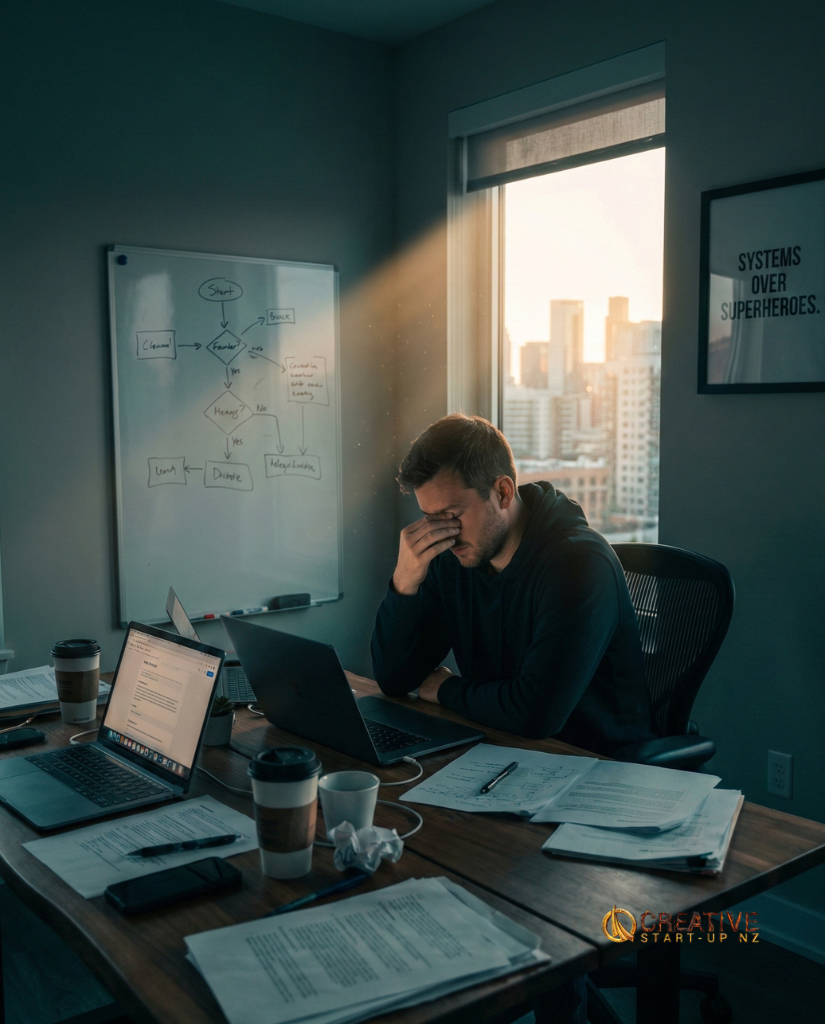
How This Impacts Your Business
In the digital marketing world, this practice is sometimes called "Parasite SEO." They are feeding off your hard-earned local reputation.
The real issue is that you usually have absolutely no idea it is happening. You won't see these links when you check your site on your phone or laptop. But Google's bots see everything. When Google detects these hidden, spammy links, they will quickly place a security flag on your domain.
When this happens, your search rankings can drop significantly. Emails sent from your domain might start landing in your clients' spam folders. In severe cases, Google may remove your site from their search results entirely, making it nearly impossible for new local customers to find you.
Why We Prioritize Clean Code
I'm not sharing this to cause anxiety. I'm sharing it because I believe business owners deserve transparency.
Years ago, my wife and I had a difficult experience where a developer restricted access to our own business website. I still remember the stress of trying to figure out how we'd manage if our site went offline. It is a helpless feeling that no founder should have to experience.
That experience is a major reason Creative Startup NZ exists today.
I focused on learning how to build safe, secure digital spaces for local businesses. Our goal is to help Kiwi startups grow on a solid foundation, free from bloated, heavy software and hidden code.
How to Check If You're Safe
If you're ever worried about the health of your website, you don't need a computer science degree to check. Here are three quick, free ways to see if Google has noticed any issues:

Quick Health Checks
- The "Site:" Search: Open Google. Type
site:yourdomain.co.nz. If your website used to show up regularly and now it doesn't appear at all, it's worth investigating further. - Google Transparency Report: Head to the Google Safe Browsing page. Enter your web address. It will tell you clearly if they've flagged any "Unsafe Content" on your domain.
- Check Search Console: Log into your free Google Search Console account. Click on "Security & Manual Actions" in the left menu, then "Manual Actions". If you see a green tick, you're all good. If there is a list of warnings, it's time to take action.
How to Protect Your Foundation
Protecting yourself when hiring a developer is simple once you know what questions to ask.
1. Look for Transparency
If a developer is offering a price that seems impossibly low, ask them to explain their process. Legitimate developers will happily explain how they build sites and where your data is stored. Be cautious of developers who try to confuse you with technical jargon instead of giving clear answers.
2. Hold the Keys
Always request full administrative access to your website's source code and your domain registrar (the company where you bought your web address). You should always be the primary owner of your digital house. If a developer refuses to provide you with admin access, it is a significant red flag.
3. Keep It Simple
This is exactly why we prefer building Custom HTML Websites for small businesses. By skipping heavy, plugin-reliant templates, we use clean, hand-written code. This means there are fewer hidden corners for vulnerabilities, resulting in a foundation that is fast, secure, and completely transparent for the business owner.
To My Fellow Business Owners
You are already working incredibly hard just to build your business. You shouldn't have to worry about the integrity of your digital tools.
Please take five minutes today to check your website's health. If you notice anything unusual, or if you're just not sure what you're looking at, don't hesitate to reach out. We're happy to help you understand your current setup and ensure your hard work remains protected.
Ensure Your Site is Secure
If you are worried about hidden issues or just want peace of mind, we can run a full check of your site structure.
Check my site's health ($49.99)Or start fresh with clean, secure code:
Explore Custom Websites